Downloads

Download. Try. Decide for yourself.

All applications come directly from ruesken.net, run locally on Windows, and can be tried without a user account.

rsk.dedupeEN · Windows
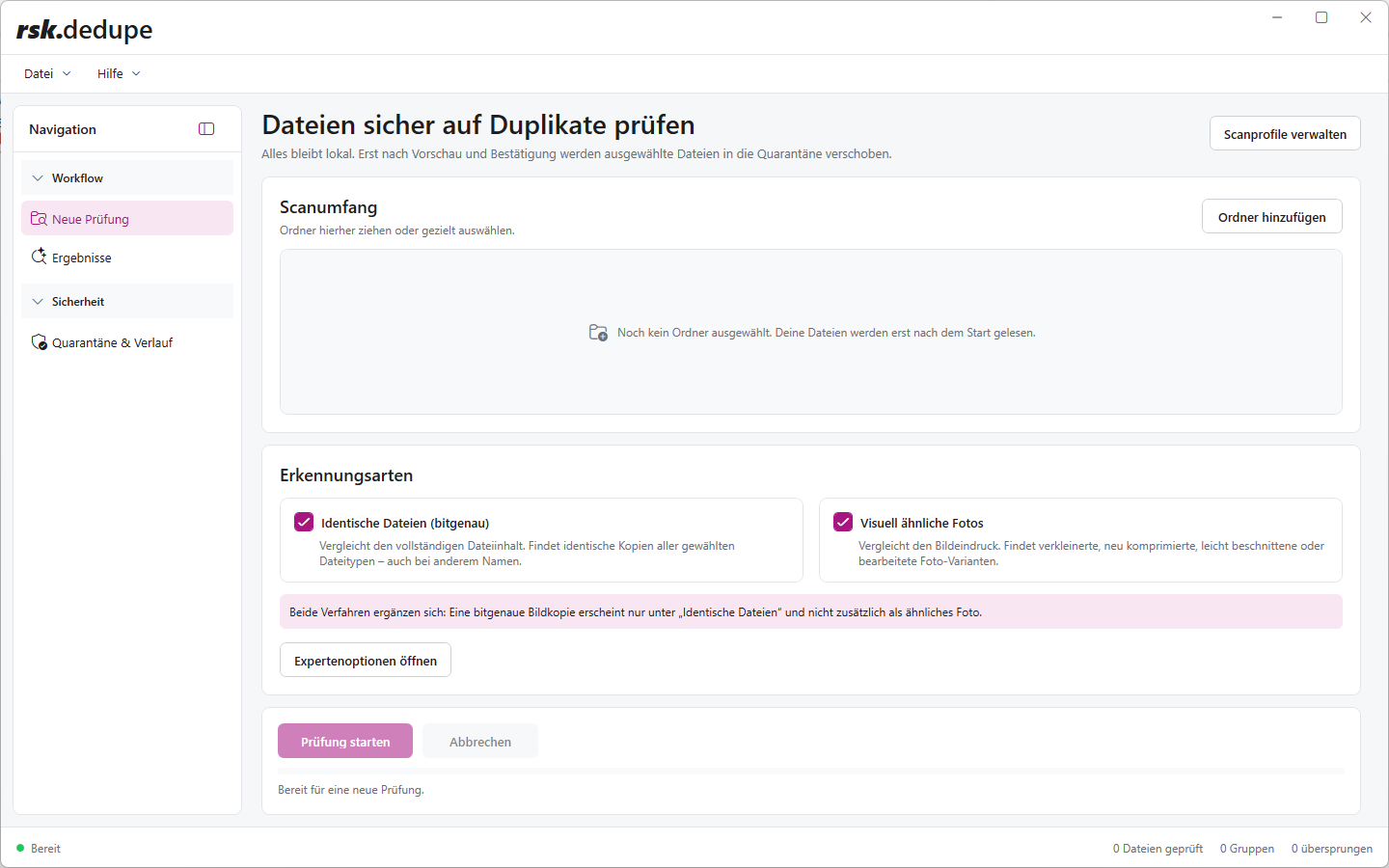
rsk.dedupe user interface
rsk.dedupe

Detect duplicate files and clean them up with complete control

Finds byte-identical duplicates and visually similar photos, explains recommendations, and moves selected files into recoverable quarantine first.

Direct download · Windows 10/11 (64-bit) · Digitally signed
rsk.filesEN · Windows
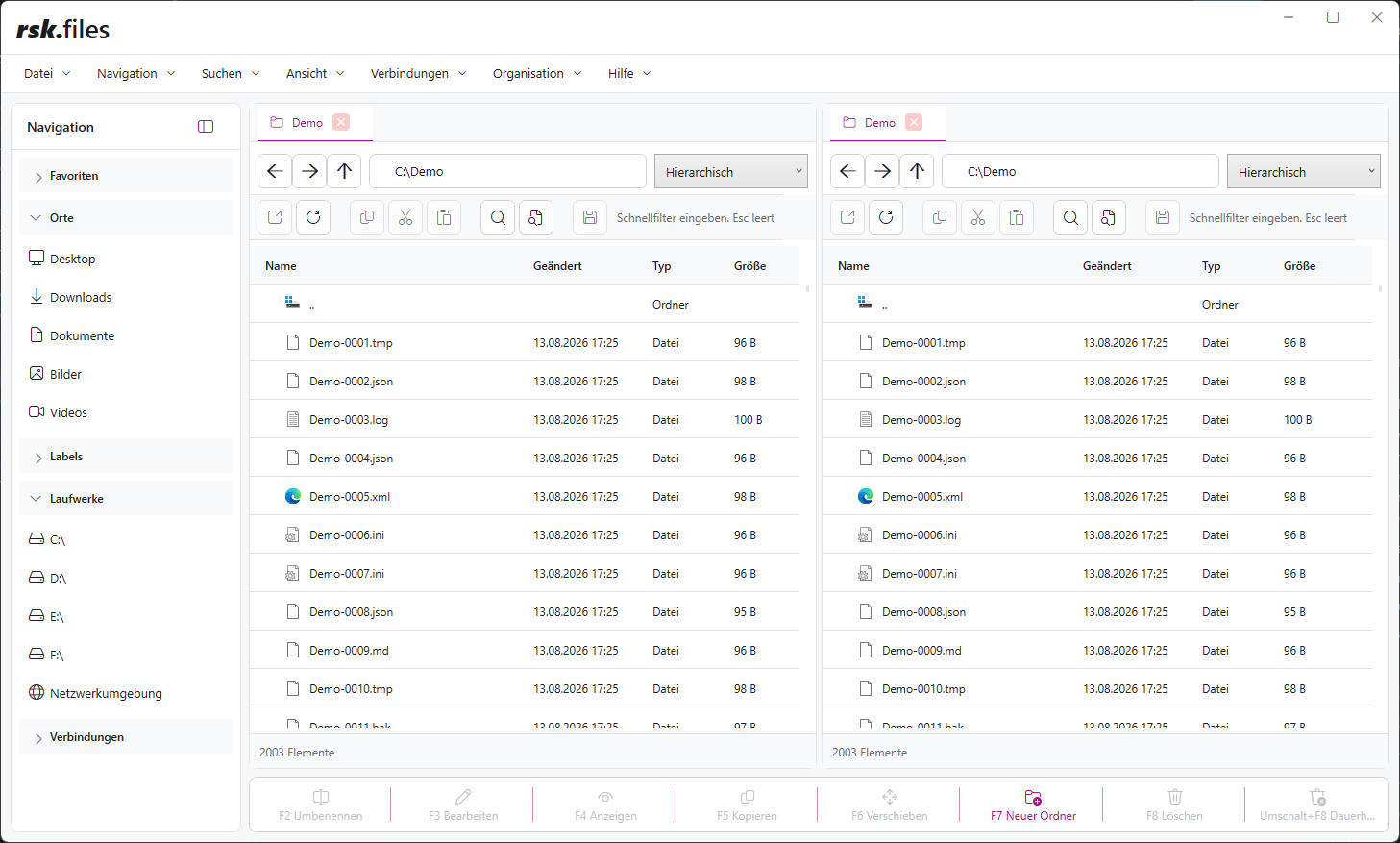
rsk.files user interface
rsk.files

A file manager for everything that outgrows a single Explorer window.

Manage local files, networks, archives, remote servers, and cloud storage in two independent panes—with tabs, search, comparison, and synchronization.

Direct download · Windows 11 (64-bit) · Digitally signed
rsk.guardianEN · Windows
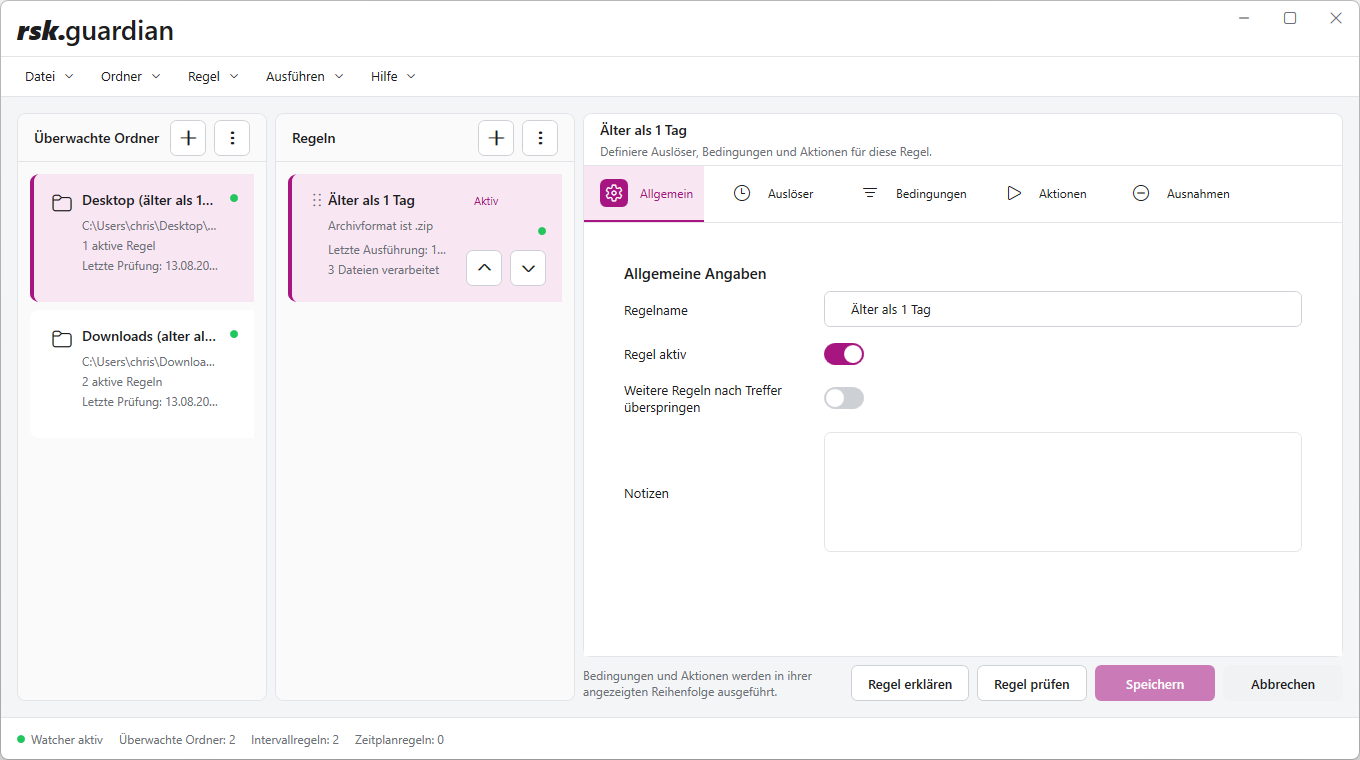
rsk.guardian user interface
rsk.guardian

Handle recurring file tasks automatically and reliably.

Choose a trigger, define conditions, and decide what should happen to matching files. The workflow then runs automatically.

Direct download · Windows 10/11 · Digitally signed
rsk.renameEN · Windows
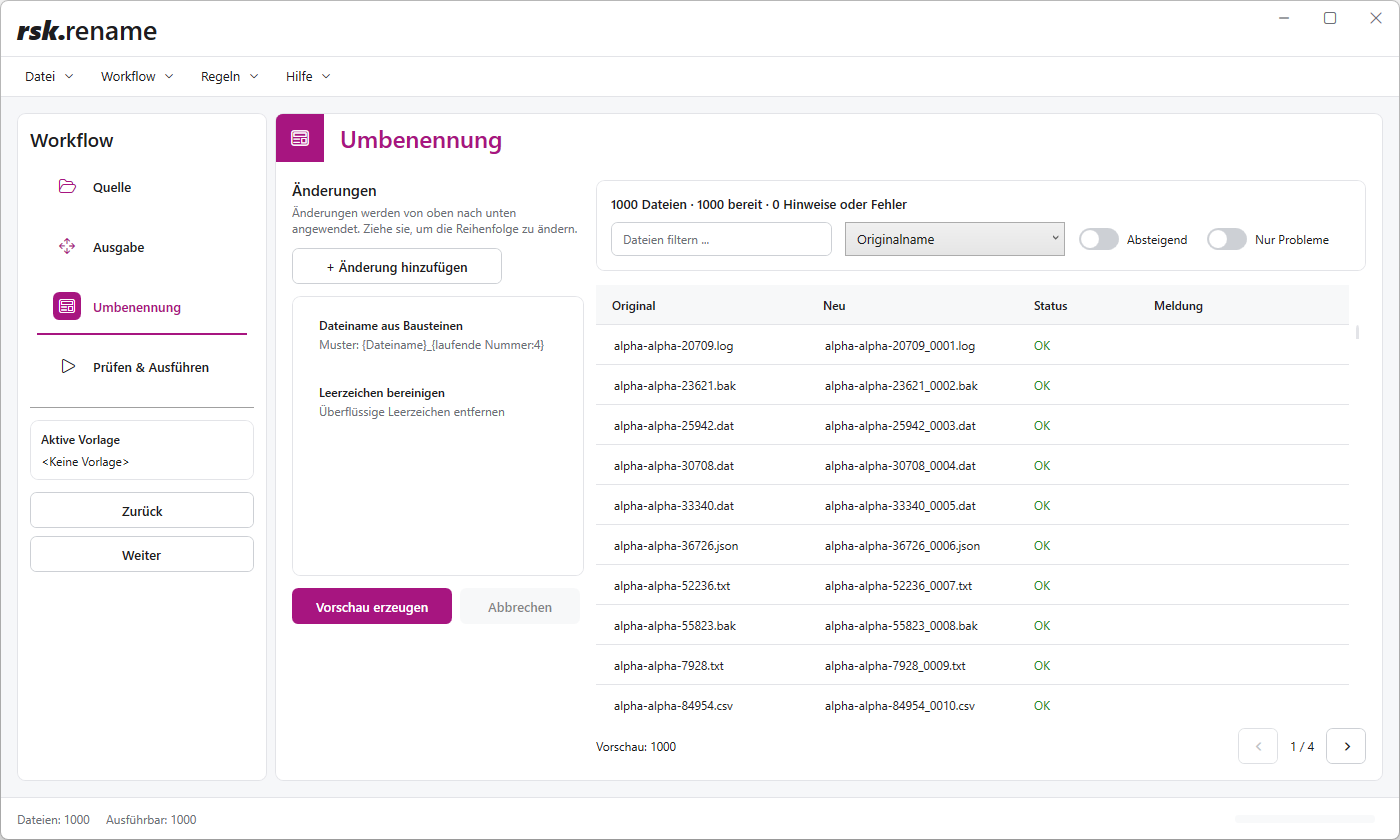
rsk.rename user interface
rsk.rename

Organize hundreds or thousands of files cleanly in seconds.

Organize hundreds or thousands of files in seconds—with previews, complex rules, presets, regex, JavaScript, undo, and CLI.

Direct download · Windows 10/11 · Digitally signed
rsk.qrEN · Windows
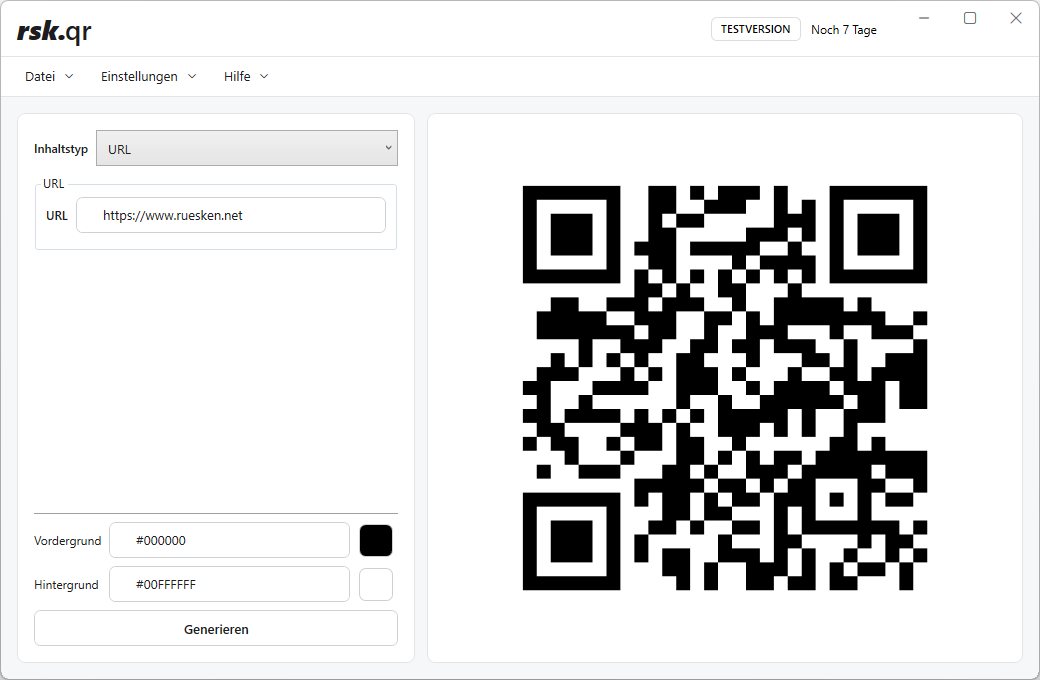
rsk.qr user interface
rsk.qr

Create, customize, and export QR codes locally

Choose content, customize the QR code, and export it—for websites, Wi-Fi, contact details, and more, directly on your PC.

Direct download · Windows 10/11 · Digitally signed
Download safely

What you should know before downloading.

You can download every application without a user account or prior licence purchase and try all features for seven days.

Directly from ruesken.net

Installation files are provided exclusively through ruesken.net and the designated download address.

Local on your PC

The applications are installed and run on your Windows PC. Working with your files does not require a cloud upload.

Digitally signed

The installation and application files are digitally signed by Christian Rüsken.

Check Windows notices

If Windows displays a security notice for a new version, verify that the file really comes from ruesken.net and that its digital signature is valid.

Contact

Something not working?

Need an older version?

I normally recommend the current version. If you need an older release for a specific reason, send me the application name and version number.

Contact me

Download being blocked?

Browsers or security software can be particularly cautious with new files. Tell me which application you are trying to download and what happens.

Contact me